
Issue
When attempting to Create Document, the available options may appear missing or very limited.
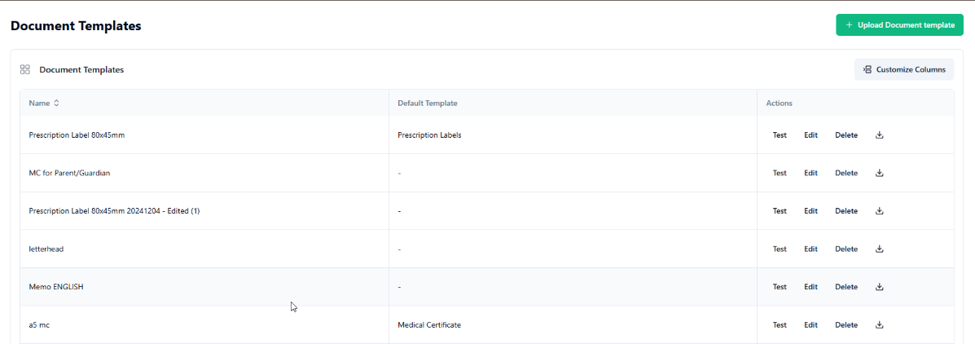
However, under Settings > Document Template, a larger list of uploaded templates can be seen.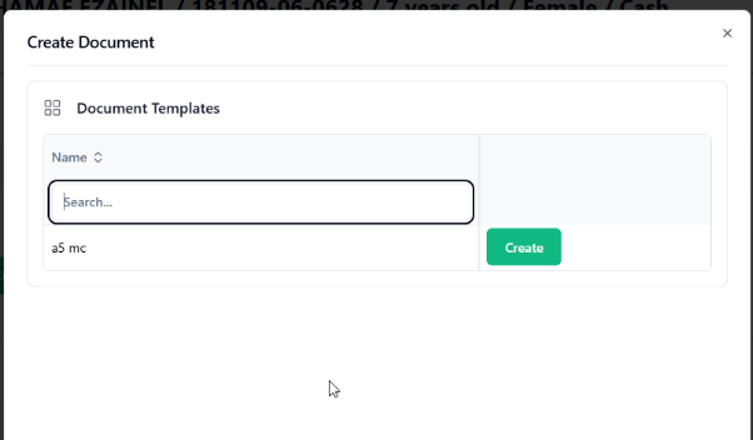
Cause
This occurs when the Document Location setting in the Document Templates is not properly selected.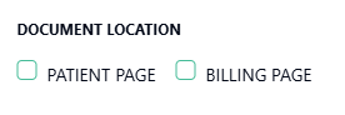
Resolution
To resolve this issue, configure the Document Location for each template:
Go to Settings > Document Template.
- Click Edit on the affected template(s).
For each template, ensure the Document Location is selected:
Patient Page → Template appears only during consultation.
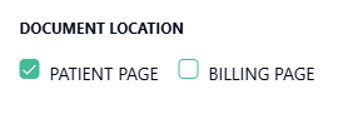
Billing Page → Template appears only during billing.
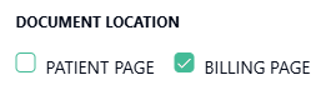
Both → Template appears during both consultation and billing.
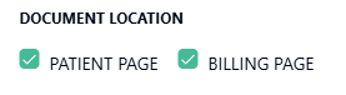
After selecting the preferred option, click Save Changes.
Notes
Templates will only display in the relevant workflow based on the chosen location.
Always verify that changes are saved before testing in consultation or billing.